Flutter Responsive Login UI
This project showcases a modern, responsive login user interface (UI) built using Flutter with adaptive design for various screen sizes.
#mobile
- source github.com
Overview
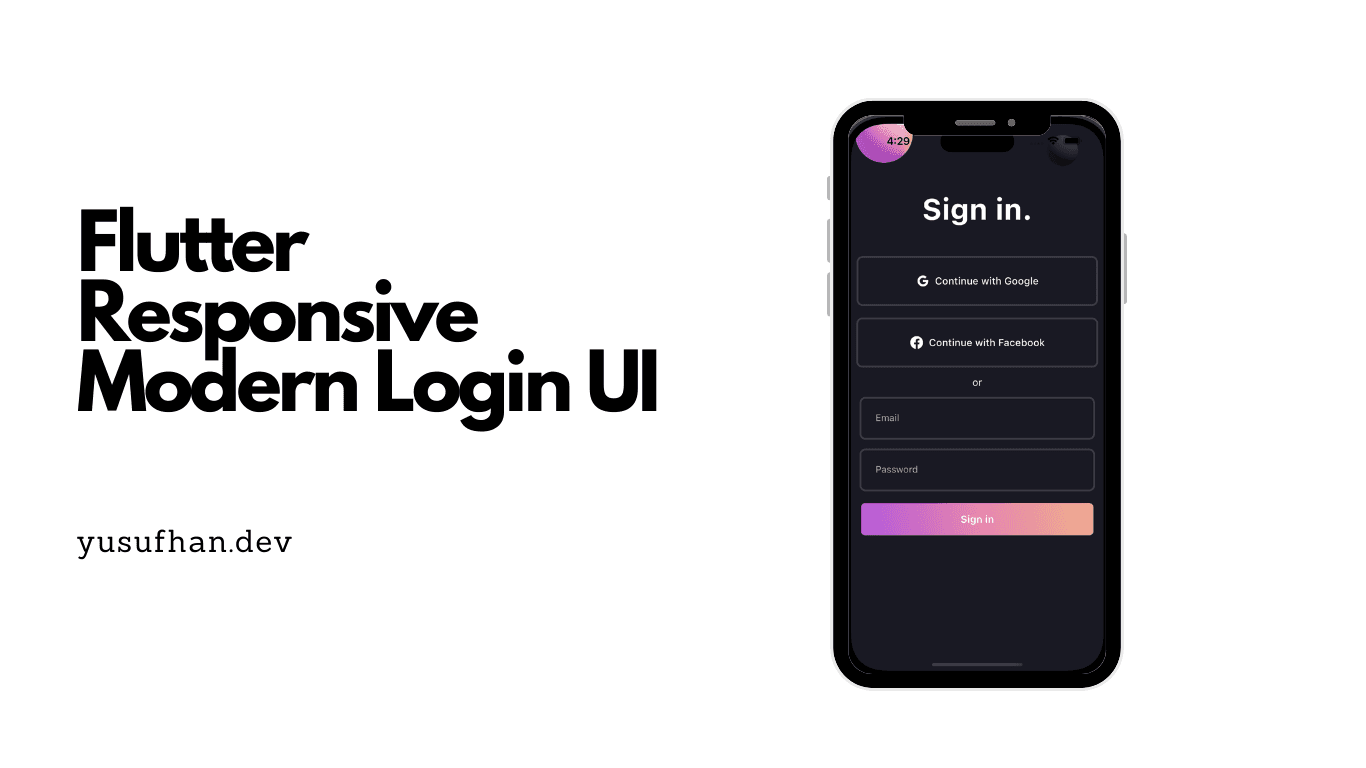
This project is a modern, responsive authentication UI built in Flutter that adapts seamlessly from small phone screens to tablets and even desktop web. The login screen features a split-panel layout on wider screens (illustration + form) that collapses to a stacked layout on phones, smooth input field animations with floating labels and validation feedback, social login buttons, and a "forgot password" flow. The project demonstrates responsive Flutter development techniques including LayoutBuilder-based breakpoints, adaptive typography scaling, and platform-aware input decorations. It serves as a production-ready login template that can be dropped into any Flutter project with minimal customization.
Stack
Flutter · Dart · Responsive UI
Challenges
- Making a single Flutter codebase render an optimal layout across phone, tablet, and web form factors without separate widget trees
- Implementing smooth, non-janky animations on form validation errors and input focus transitions across all screen sizes
Solutions
- Built a responsive scaffold using LayoutBuilder with three breakpoint tiers (compact, medium, expanded) that rearranges the same logical components into different layouts rather than duplicating widget code
- Used AnimatedContainer and AnimatedDefaultTextStyle with consistent duration curves for all validation and focus transitions, with MediaQuery-aware sizing to prevent animation clipping on smaller screens
Outcome
Responsive authentication UI for multiple screen sizes